Start here
Install it, name yourself, then ask what needs your attention.
Install
Homebrew is the shortest path. The standalone installer verifies the published checksum before replacing a binary.
Set your identity
Baari uses an alias to decide which thread replies belong to you.
Run it inside a repository
The repository joins your machine-local registry automatically. No account or hosted workspace is required.
Homebrew
brew install nauman/tap/baari
Standalone installer
curl --proto '=https' --tlsv1.2 -fsSL https://nauman.github.io/baari/install.sh | sh
First run
baari identity set <your-alias>
baari status
Coordination
A small answer to a costly question: who owes what?
Baari reads living Markdown threads from every registered repository and presents them through one stable vocabulary. Use the human-readable output in a terminal or request bounded JSON when an agent should consume only the latest context.
baari status
Show work owed by you, work waiting on others, closed ownership, and parked conversations across repositories.
baari next
Return only the replies owed by your resolved identity.
baari thread list · show · lint-roster
Find conversations, read a bounded number of entries as Markdown or JSON, and catch owners missing from the repository roster.
baari registry
List known repositories, prune missing paths, or explicitly ignore repositories that should stay outside the cross-repo view.
Baari reads canonical threads; it does not invent a second conversation format. Revision-guarded thread new, reply, park, resume and close commands keep coordination at its existing owner. Run baari thread --help for the current lifecycle.
Agents, threads and the dashboard
Claude, Codex and Gemini read the same repository contract, not a private chat history.
Agents get their context from the repository: its instructions, architecture, work items and threads. Threads name the next owner and the next action, and revision-checked replies keep the conversation where it already lives. The next session reads what happened instead of reconstructing an old chat.
baari serve
Open the local operator dashboard at 127.0.0.1:8421. It shows replies and repository guard layers. It is read only and loopback only, and it reflects recorded activity rather than a live view inside an agent.
baari roster show
See who is declared, who has been active recently from thread replies, and which locks are held or stale.
baari skills install
Install the repository's own skills where Claude Code and Codex look for them, or into a shared agents folder or another checkout.
Before substantive agent work
baari explain
baari status
baari doctor
baari ci tree
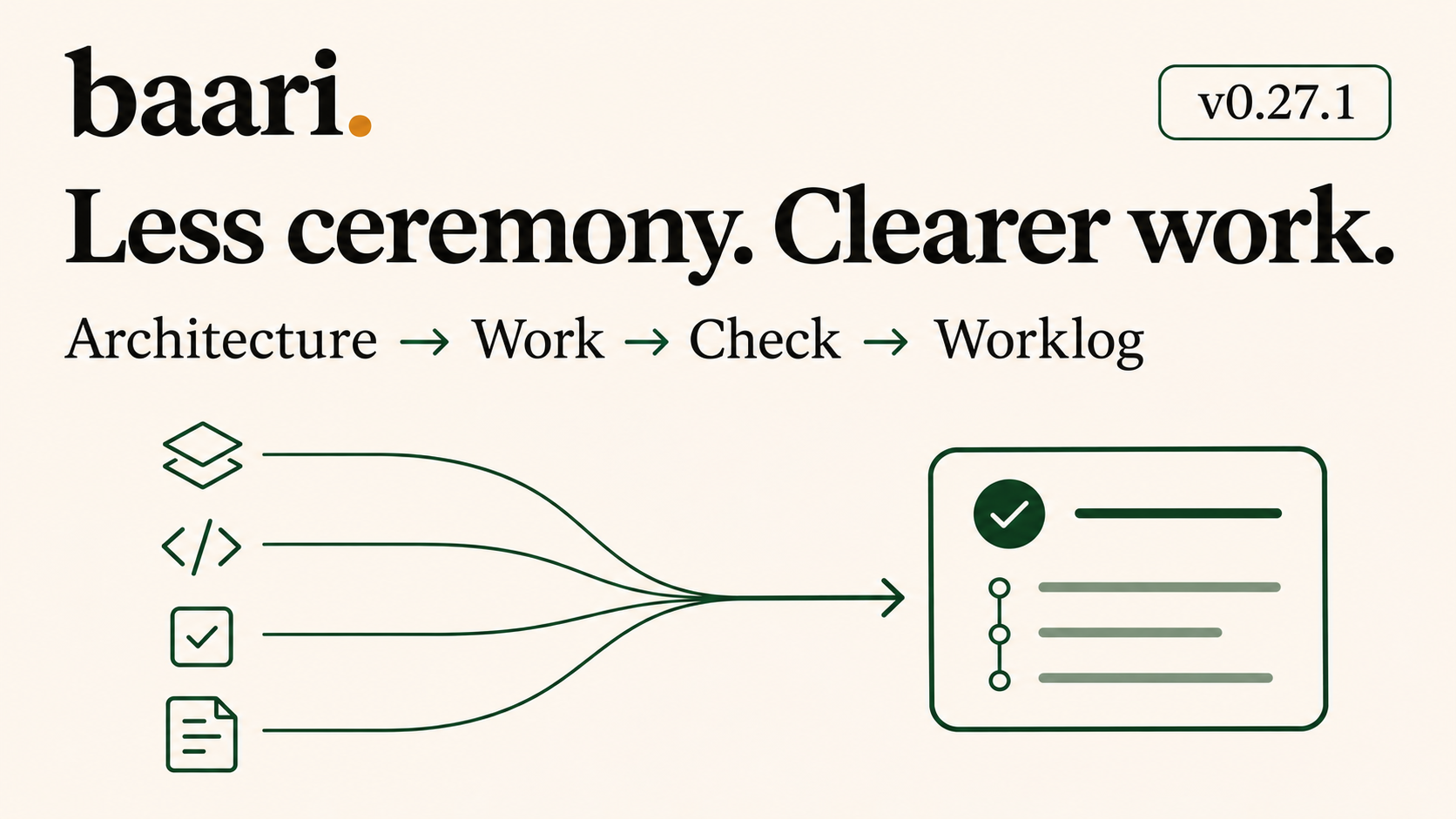
One item. One daily flow.
Architecture before execution. A worklog the next agent can use.
Released in v0.27.1. In a repository that has explicitly adopted the daily flow, a work item owns its business outcome, scope, acceptance and references. Architecture is required; Workbench is optional exploration. Governing architecture should show module boundaries, diagrams and data ownership. Applicable design and consequential decisions remain linked.
Existing ready item · opted-in repository
baari work show WORK-001
baari work start WORK-001
# Implement only the agreed outcome.
baari work check WORK-001
baari work reconcile WORK-001
baari work finish WORK-001 --summary "Invoice download verified"
baari work log WORK-001
baari wave define W1 --title "Customer billing" defines the wave; baari work assign WORK-001 --wave W1 explicitly assigns the item. Waves group and order work; they do not create another editable ticket. baari work quality WORK-001 offers optional stack and architecture advice.
Existing work stays where it is. Fresh repositories can explicitly use baari work init --daily, then add and edit a ready item. Do not initialize or migrate an existing repository just because the new commands exist. Reconciliation reads by default; projection writes require explicit apply with the exact expected revision. Finish neither commits nor releases.
Legacy sequence workflow · unmigrated repositories
Kept for repositories that have not moved to the daily flow.
New repositories should use the daily flow above. There, baari wave define and baari work assign group existing work items without another copy of the task. Use the commands below only in a repository that still owns a docs/sequence.yml.
The examples below describe the retained legacy sequence flow. An unmigrated repository owns one docs/sequence.yml. Global waves describe the shared delivery order; substantial programs can add dense subwaves underneath them. Specs are assigned to those waves instead of being copied into another roadmap.
Define a global wave and a program subwave
baari docs sequence wave define W1 --title "Build"
baari docs sequence wave define W1.1 \
  --title "Commercial foundations" \
  --under W1 \
  --program commercial \
  --plan plans/commercial.md
Assign a spec, then generate global or bounded views
baari docs sequence assign specs/031-capabilities.md --to W1.1
baari docs sequence build
baari docs sequence build \
  --program commercial \
  --output docs/plans/commercial/00-delivery-sequence
The default build writes docs/plans/00-delivery-sequence.md and docs/plans/00-delivery-sequence.html. A program filter keeps its parent and dependency context and requires an explicit output path. Every result is a projection; sequence.yml remains the source.
Documentation and guardrails
Scaffold the convention once. Then make drift visible.
baari docs init · docs doctor
Create the canonical docs tree from embedded templates, then report structural drift. Add --strict when findings should fail CI.
baari adr list · adr check
Read the decision register and catch malformed records, invalid status values, or index drift.
baari ci tree · ci run
Inspect guard layers and run the repository’s declared native gate. Stable JSON and strict exit behavior make it usable in automation.
baari explain
Explain the delivery model from workbench and requirements through architecture, specs, sequence, and status.
baari contract
Emit the versioned JSON command ledger that drives the virtual terminal above and travels with every release.
baari work · start · check · reconcile · finish · log
The explicitly opted-in daily flow gives one work item its outcome, architecture references, acceptance and wave assignment. Portable activity and check receipts feed a consolidated worklog. Legacy local records, Markdown pointers and named Jira/Linear connections retain their existing owners until explicit adoption. Finish, verified acceptance and Git delivery remain distinct.
baari release · release reconcile · loop run
Run native release gates and reconcile publication outcomes. Hand a ready plan to an explicitly configured external runner; runner success alone does not prove acceptance.
Safe local work
Shared checkouts need explicit boundaries, not optimistic cleanup.
baari worktree list · prune
Inspect every checkout and remove only worktrees where nothing would be lost. Pruning is a dry run until --confirm.
baari testdb list · prepare · prune
Give each checkout its own test database, prepare the current one, and identify databases whose worktree no longer exists.
baari doctor
Validate the machine registry, resolved identity, repository markers, and roster before work starts.
What each command touches
Local first, not read only. Every command states what it may change.
| Behaviour | Commands | Boundary |
|---|---|---|
| Read | status, next, whoami, doctor, contract, thread reads, work show/log/reconcile, wave reads, docs doctor, ADR checks, CI tree |
Read local repository and machine state. |
| Local state | identity, registry, thread scaffold |
Write explicit configuration or scaffolding under your user-owned Baari state. |
| Repository | docs init, sequence wave/assign/build, daily work add/edit/assign/start/check/finish, explicit context logging, revision-guarded thread writes |
Write named contracts, portable activity, check receipts and projections. Reconcile applies only an explicit exact-revision proposal; source ownership is preserved. |
| Workspace | worktree prune, testdb prepare, testdb prune |
Potentially mutating operations are explicit; prune commands preview before confirmation. |
| Network | upgrade, auth, configured work, release, docs publish |
Network operations run when explicitly selected. Upgrade checks releases; auth, tracker work and publication use their configured providers. |
There is no Baari account or telemetry client. Local coordination and documentation inspection use files on your machine. Explicit provider and publication commands use their configured network services; the visual companion starts a local server only when requested and provides a stop command.
Optional authenticated canon
Teams can layer private guidance on top of the embedded generic rules.
A repository may name an additional documentation source in .baari.yml. baari auth status, auth init, and auth sync use the existing gh login; Baari stores no GitHub token. Without access, the embedded generic set remains available.
Know the boundaries
Workflow completion, accepted behaviour and shipment are separate facts.
Explicit adoption
Local daily work is shipped. Unsafe or ambiguous prose, group and provider-owner migrations refuse rather than create dual ownership.
Evidence keeps its meaning
Failed or stale required acceptance blocks completion. Human review must identify a real reviewer. Local tests do not establish a live provider or production deployment claim.
Bounded automation
Serve and watch offer read-only observation. Dispatch and external runners require explicit configuration and invocation; runner success is not acceptance. Machine-local active selection and wave-exit attestation (formally signing off that a wave is complete) remain unsupported in the daily flow.
Install and upgrade
Check before upgrading
baari upgrade --check
Upgrade a standalone install
baari upgrade
Upgrade a Homebrew install
brew upgrade nauman/tap/baari
The public repository contains the landing page, installer, and checksummed release binaries. Source code is not published in that repository.